Robohack 2026 · EPFL · 36 hours
MeetElderBot
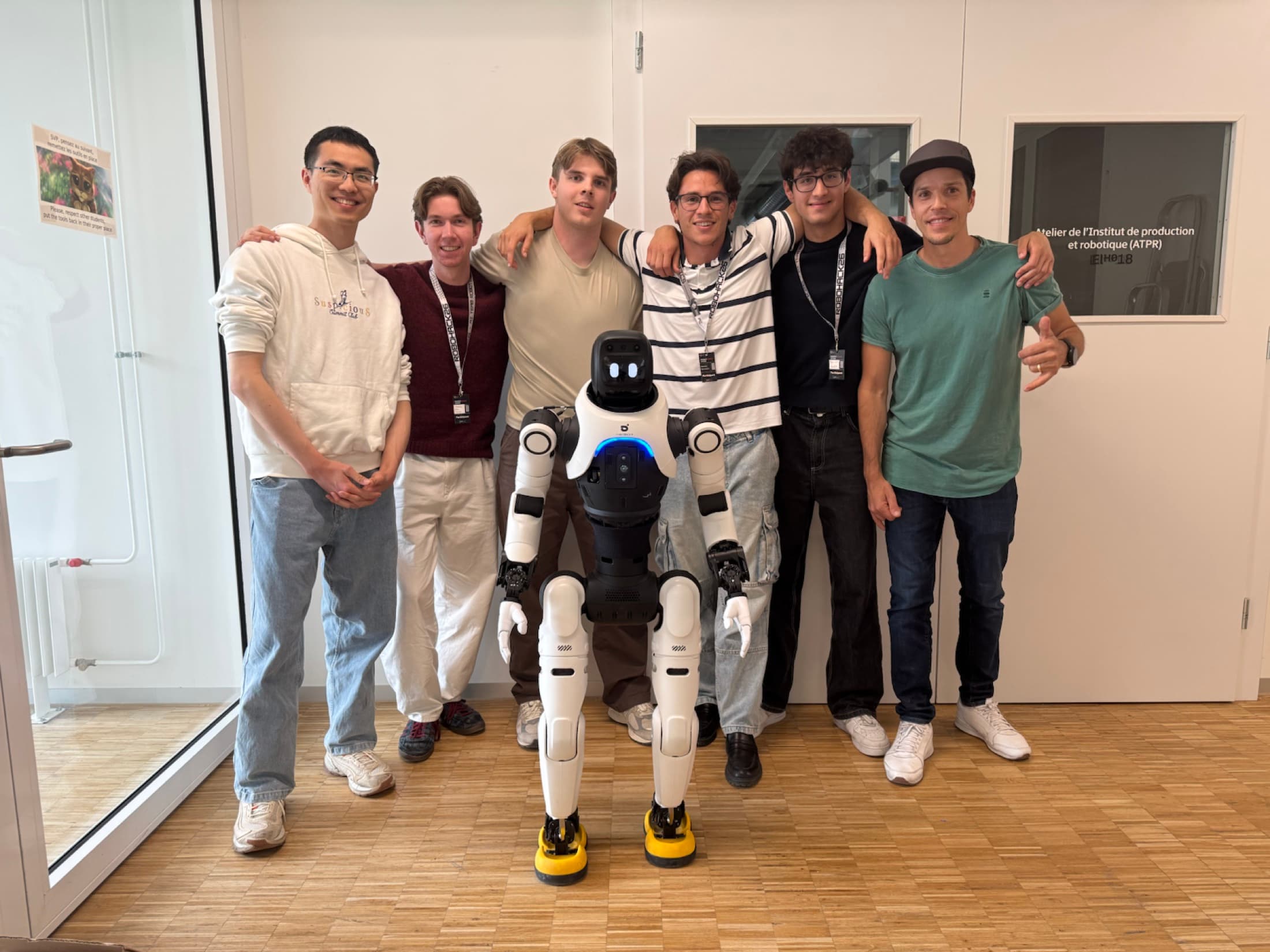
AgiBot X2 is a humanoid robotics platform with onboard cameras, LiDAR, and full-body motion—built to perceive its environment, navigate, and interact with people.
We turned the X2 into ElderBot, an at-home assistant designed to support older people and keep their families connected.
- EPFL
- ElderBot
- Five-person team
- Autonomous demo
The work behind the demo
A robotics stack built across disciplines.
Computer vision
YOLOv8 person detection, OpenCV image processing, camera depth, and LiDAR-assisted target estimation.
ROS 2
Nodes, topics, launch files, message contracts, QoS choices, and deploying directly onto the AgiBot X2.
Robot motion
Person tracking, head alignment, locomotion supervision, stopping logic, and coordinated assist behaviors.
Mobile app design
Designing and building the companion experience for routines, safety status, issue reporting, and remote control.
Systems integration
Splitting a coupled hardware challenge across five people, then bringing vision, movement, and interface work together.
AI-assisted building
Using AWS Kiro IDE, Codex, and Claude Code to research unfamiliar systems, iterate quickly, and reach a working demo.
ElderBot
A mobile app for a family connection
I built the ElderBot companion app with React Native and Expo so the robot had a family-facing interface, not just an autonomous demo running on hardware.
The app translated robot state into something relatives could understand quickly: connection status, routines, safety context, and remote actions for checking in or requesting help.
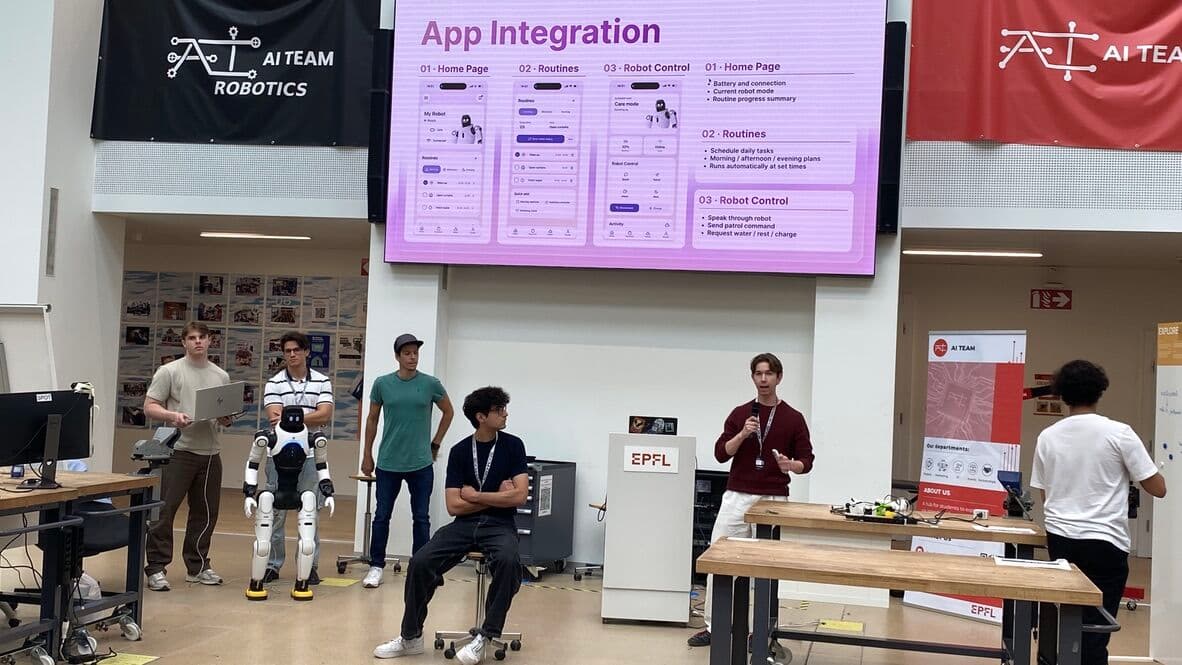
React Native interface
Built the companion screens as a mobile app, shaping robot status and family updates into simple, phone-first views.
Expo workflow
Used Expo to move quickly during the hackathon, test the app flow on mobile, and keep iteration lightweight.
Family controls
Connected routines, safety information, and remote actions into one interface for relatives checking in from elsewhere.
One continuous loop
See. Locate. Follow. Assist.
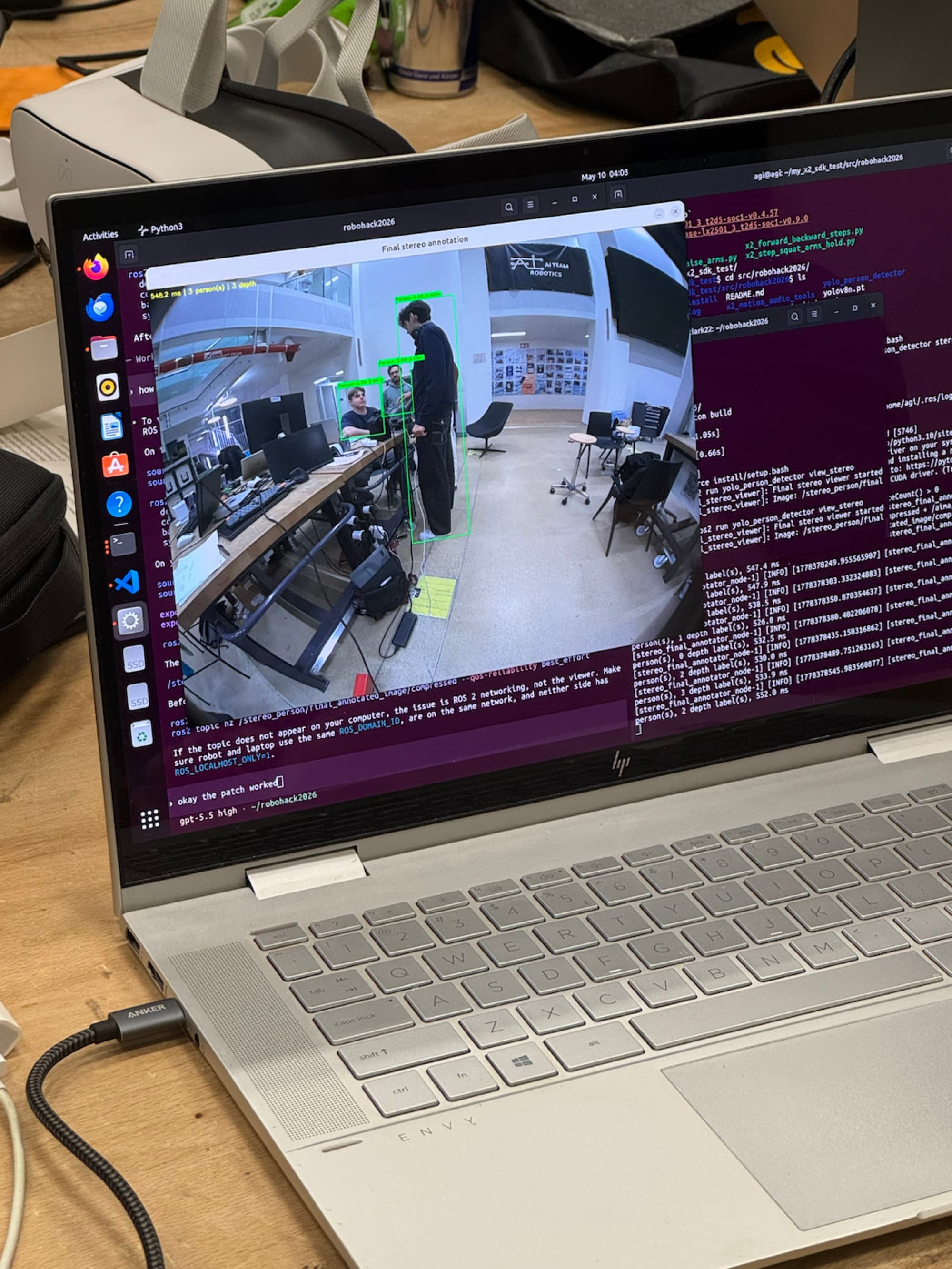
A custom vision system connected the X2's cameras and LiDAR to the movement stack, turning a person in frame into autonomous navigation.
See
Read the X2’s onboard camera streams and run a custom YOLOv8 vision pipeline to detect people in real time.
camera stream → personLocate
Use camera depth and onboard LiDAR to estimate where the nearest person is relative to the robot.
target point · x y zFollow
Turn the head and body toward the target, walk forward, and continuously adjust as the person moves.
head + base commandsAssist
Stop within a controlled range, trigger the assist behavior, and expose routines and remote actions through the app.
navigate → assistBuilding under pressure
Twelve hours to connect. Twenty-four left to make it autonomous.
Get connected
With only basic manufacturer examples and no working robot connection, the first third of the hackathon was pure bring-up and debugging.
Divide the system
We separated vision, movement, robot behaviors, and the companion app so progress could happen in parallel.
Compress the learning curve
AWS Kiro IDE, Codex, and Claude Code helped us navigate unfamiliar APIs and iterate against the real hardware.
Show it autonomously
The final demo detected a person, tracked their position, and navigated the X2 toward them without manual driving.
What I took away
A fully autonomous demo—and a much deeper understanding of robotics.
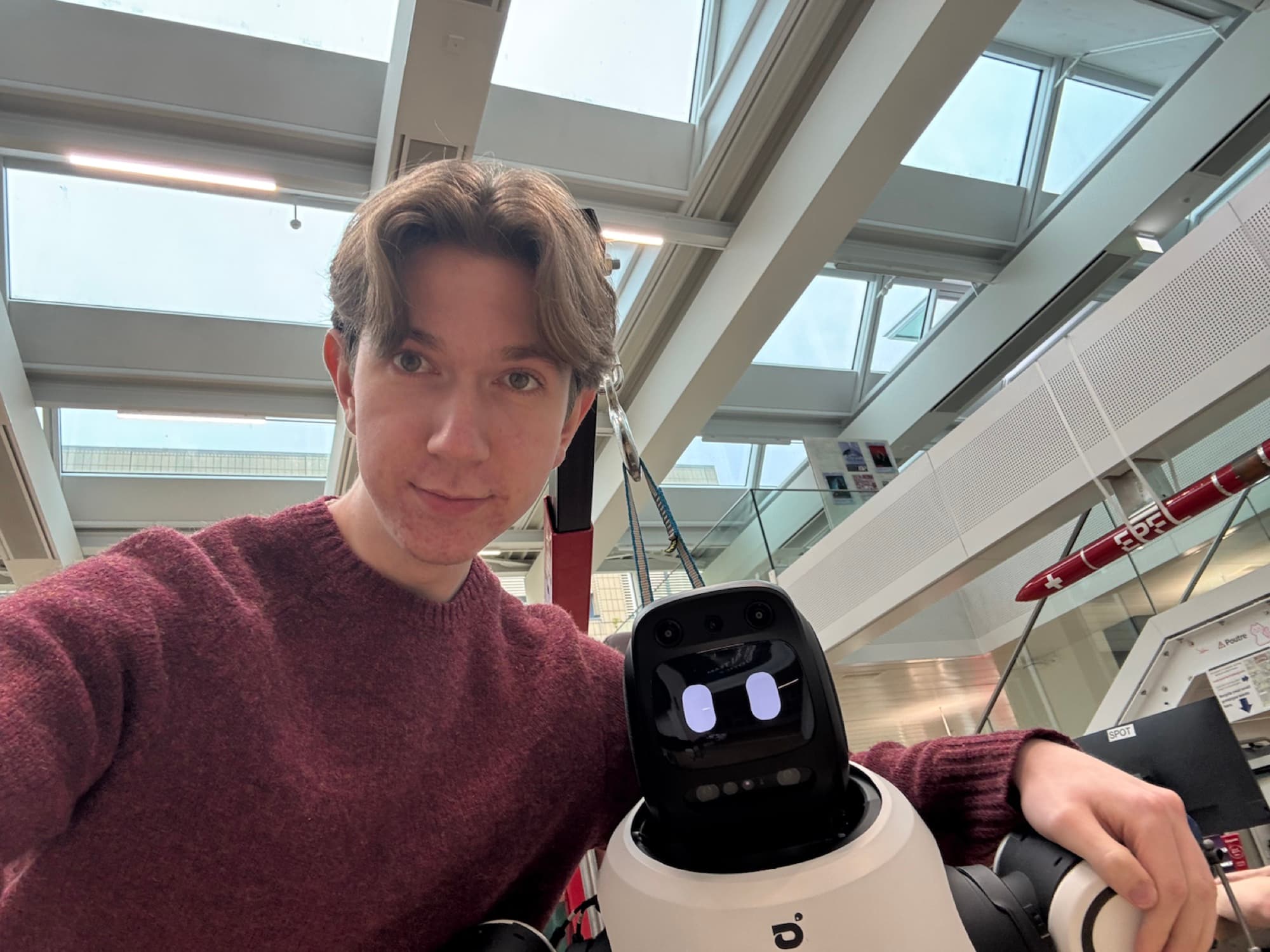
ElderBot could detect and track a person, autonomously navigate toward them, and connect its routines to a family-facing mobile experience. I left EPFL with a far clearer understanding of how robotic systems communicate and how software turns separate capabilities into one behavior.
Vision, LiDAR, ROS 2 motion, assist behaviors, and the path to an autonomous demo.
Open GitHub repository